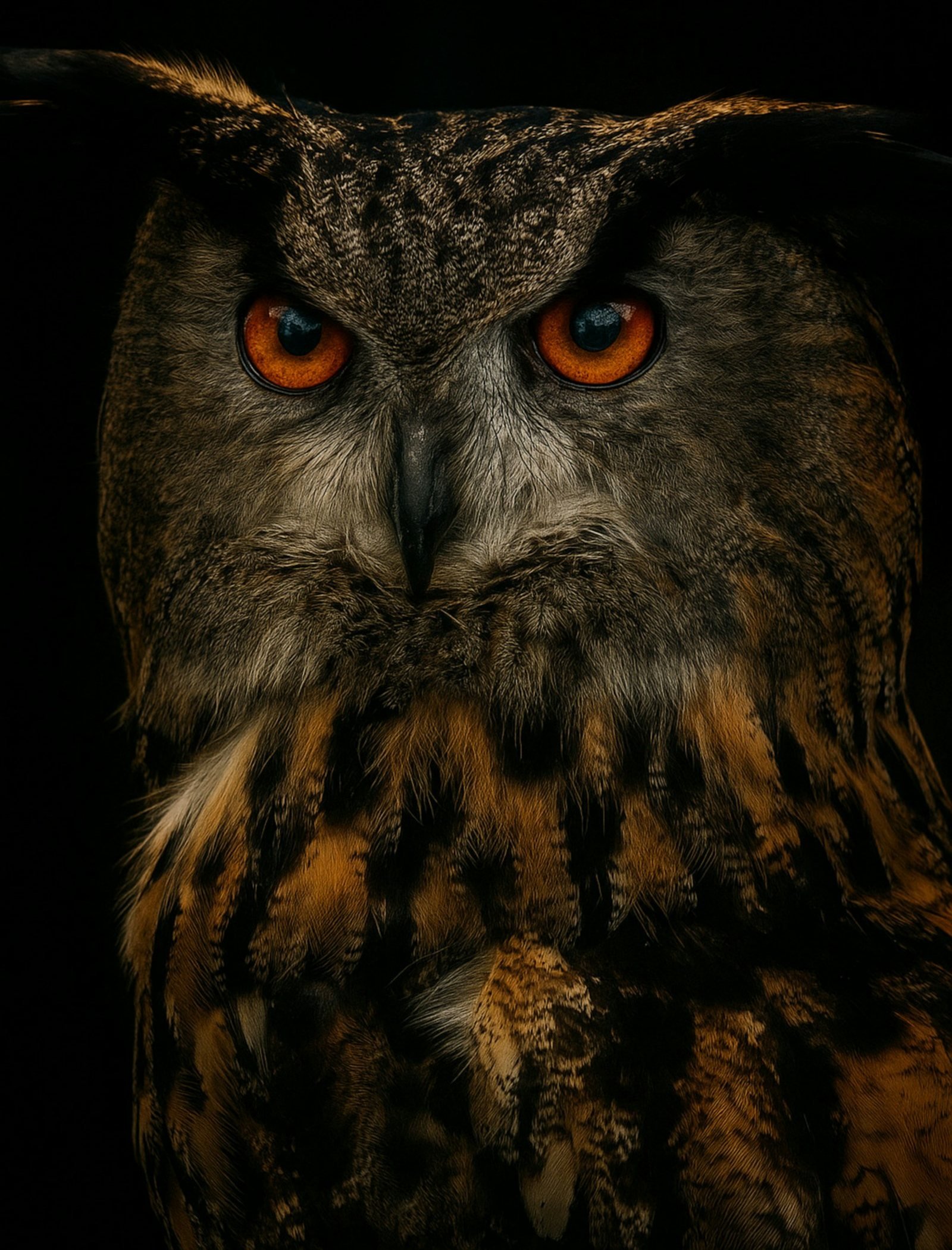
A Eurasian eagle owl with orange eyes staring out of the dark

AI vision for casino tables

Nothing gets past
the owl.

Owl AI watches every table, every hand, every second. It flags drowsy dealers, posture breaches and fraud as they happen. Run it locally on your own system, where nothing leaves your building, or let us run it in the cloud.

Local or Cloud. With Local, your data never leaves your building. →
0detectors in one workspace
0tables of configurable capacity per worker PC
0of health history kept locally
0video frames leave your building with Local AI

01 · Local or Cloud

Two ways to run the AI.
Your data, your call.

Run Owl AI entirely on your own system, where nothing ever leaves your building, or let us run the AI in the cloud. The detectors, the Signals feed and the dashboard are the same either way.

YOUR CASINO · YOUR NETWORK DATA STAYS INSIDE T01 T02 T03 OWL AIYOUR PCs FOOTAGE · EVIDENCE DASHBOARD OWL AI CLOUDAI IN THE CLOUD

Video and AI stay inside your networkVideo is sent to Owl AI Cloud for analysis

Local: everything stays on your system

Your cameras, your PCs, your data. The AI runs on your own computers, and not a single frame of video ever leaves your building.

  • Video and AI processing happen on your own PCs and servers
  • Footage, evidence frames, alarms and staff accounts are stored on your system only
  • No internet needed for detection, with a signed offline licence
  • You control retention. Keep or delete footage on your own drives.
  • Best for casinos with strict privacy, compliance or data-residency rules
Local On your systemCloud Managed by Owl AI
Where the AI runsYour own PCs and serversOwl AI's cloud servers
Video leaves your buildingNeverYes, sent for analysis
Footage & evidence storedOn your system onlyHandled by Owl AI Cloud
Internet requiredNo (offline licence available)Yes
On-site hardwareWindows PCs, NVIDIA GPU recommendedCameras and an internet connection
Best forMaximum privacy and controlFast start, minimal hardware
Choose Local, and your data never reaches us.Recordings, evidence and alarm history live on your own system. Only the alert messages you choose to send, such as Slack, Teams or email, leave your network.

02 · The detectors

Three sets of eyes.
One that never looks away.

Each detector has a single job and does it in real time, from a live camera, a stream or an uploaded video. Scroll to watch each one work.

Real footage, real detections. Every landmark, eye ratio and timer is computed from licensed stock video by the detection engines, not animated. These dealers are working normally, so the drowsiness and posture feeds truthfully read all clear. The card feed then cuts to a clip where the dwell alarm genuinely fires.

A

Drowsy dealer detection

Owl AI tracks the dealer's face and measures how open the eyes are, frame by frame. A blink is ignored. If the eyes stay shut for longer than the duration you set, a red signal fires, and a close-up of the face is pinned to the trigger.

  • Measured in continuous closed-eye seconds, not frames
  • Covers a bowed head that hides the eyes
  • Movement inside the table area suppresses false alarms
  • Evidence snapshots taken only once the alarm is triggered
B

Posture & hand monitoring

Body and hand landmarks show what the dealer is doing: hands on the table, or a wrist raised to the ear. When an out-of-position posture lasts longer than the configured duration, Owl AI saves the exact frame and raises a signal.

  • Live skeleton, hand landmarks and detection-area overlays
  • Overlays switch on and off without stopping detection
  • Duration-based, so a quick scratch stays a non-event
  • Adjustable detection FPS and frame sampling
C

Fraud detection

Owl AI follows every card on the felt and every hand above it, through the round from deal to draw. A hand that lingers over a card zone, a face-down card where it shouldn't be, or a card out of sequence raises a red signal with the analysed frame attached.

  • Card, shoe, tray and 21-point hand tracking
  • Deal-sequence, card-count and dwell-zone rules
  • GPU-accelerated on NVIDIA CUDA
  • Every alarm keeps the exact frame that was analysed

03 · Signals

Only the red alarms.
No noise.

Every detector, table and worker PC reports into one feed. Only raised rules appear, never frame logs or pre-threshold blips. This is the real Signals console, running here with simulated alarms. Try the filters, open footage, close a signal.

127.0.0.1:5080/#signals Demo Casino · Hub
ALL DETECTORS · ONE FEED

Signals

Detection alarms, table pauses, and alerts for failed or stopped detectors.

Connected

Triggered alarms

Alarms are received even while you use another page.

0 ALARMS
ReceivedDetector / tableSignalDetailsActions

Detection alarms and health incidents are saved. Health recovery closes its signal automatically.

Signal footage

SAVED TRIGGER FRAME
Faces are anonymised in this public demo.

04 · Getting started

From box to watching
in four moves.

  1. 01

    Install

    Double-click to open the setup wizard. It checks the PC, installs what's missing and verifies your GPU.

  2. 02

    Choose a role

    Hub, Worker, or both on one machine. The choice is remembered for every later launch.

  3. 03

    Add your tables

    Connect each camera or stream and draw its detection area. Owl AI assigns tables to the worker PCs.

  4. 04

    Let it watch

    Signals arrive on the dashboard, the supervisor portal, Slack, Teams or email.

05 · Local architecture

One hub. As many eyes
as your floor needs.

This is how the Local option runs on your premises. The hub runs the dashboard, accounts, scheduling, health and notifications. Workers run detection and keep evidence local. The same package installs everywhere, so you can scale from one PC to a whole floor.

06 · Security & privacy

Watches everything.
Shares only what it should.

Every role sees exactly its share

Permissions are checked by the hub on every request. Hiding a button is not the access control. Choose a role to see what it can open.

supervisor@floor
    AllowedCan be grantedLocked

    Local AI: footage stays on your floor

    With Local deployment, video inference runs on your own PCs. Recordings and evidence remain on the worker that captured them, and nothing is uploaded for processing.

    Honest system health

    HealthyStartingStoppedDegradedDown

    Live FPS, latency and heartbeats, with five states that are never blurred together.

    Supervisor portal on your LAN

    A separate HTTPS listener serves only sign-in, assigned signals and permitted snapshots. It uses a private certificate authority that can't vouch for internet sites.

    Alerts where you already are

    SlackMicrosoft TeamsEmail · TLS

    Choose which events go to which destination, filtered by table.

    Signed licensing

    Ed25519-signed licenses, verified locally. Choose an online subscription or an offline license with no licensing server at all.

    Full audit trail

    Account creation, permission changes and disabled accounts are logged with the actor and a timestamp. Passwords and tokens never are.

    GPU-accelerated vision

    Fraud detection runs on NVIDIA CUDA. Setup checks your driver, VRAM and model inference before the first table goes live.

    Evidence, not noise

    Snapshots are taken at the trigger, not around the clock. Each alarm keeps its exact frame, rule and timestamp.

    07 · Pricing

    Priced by the table.

    Your license sets a table allowance, enforced across all your worker PCs. Choose how you'd like to pay.

    Most flexible

    Subscription

    10 tables · billed monthly

    Price on request

    • Local or Cloud deployment
    • Renews automatically. Cancel at the end of any term.
    • 3-day grace period if a renewal payment fails
    • Invoices and payment details in a self-serve portal
    • Upgrade your table allowance at any time
    Get a quote
    Air-gapped friendly

    Offline license

    10 tables · fixed term

    Price on request

    • Local deployment, everything on your system
    • No licensing server and no internet activation
    • Signed license bound to your installation
    • Renewals delivered as a single file
    • Renewal notice 30 days before expiry
    Talk to us

    08 · Questions

    Asked by night managers.

    Does any of our video leave the building?

    Not with Local. Detection runs on your own PCs, recordings and evidence stay on your system, and only the alert messages you configure go out to Slack, Teams or email. With Cloud, video is sent to Owl AI Cloud for analysis, so you need no AI hardware on site. You choose which model fits your policies.

    Local or Cloud: which should we choose?

    Choose Local if privacy, compliance or data residency come first: everything is processed and stored on your own system, and it can run without internet. Choose Cloud if you want to start quickly without buying or maintaining AI hardware. The detectors, Signals feed and dashboard are the same in both.

    What hardware do we need?

    With Cloud, just your cameras and an internet connection. With Local: Windows PCs. The installer sets up its own Python runtime and checks every requirement. Fraud detection uses an NVIDIA GPU via CUDA. Drowsiness and posture run on CPU or on the browser GPU. One strong PC can watch several tables, or you can give each table its own PC.

    Which video sources does it work with?

    Live cameras, video streams and uploaded recordings. Uploaded videos play back at normal speed, and each alarm links to its exact timestamp.

    Can floor supervisors watch live video?

    Not by default. Supervisors see signals for their assigned tables only, plus alarm snapshots if you allow it. Live streams and full recordings stay with Management and Administrators.

    Do we need an internet connection?

    Cloud needs a connection. Local with an offline licence doesn't: it is verified on your system and never phones home. Local subscriptions check payment status periodically and keep working for up to 24 hours without a connection.

    The house
    always watches.

    Book a walkthrough on your own footage. We'll show you what Owl AI would have caught.